Applets
By: dewgong64
This will help you edit the applets icons to allow more customization


We will be using Photopea for this
This guide will be focused on changing the color of the applets
- Open Photopea and select the file you downloaded
- Double-click the thumbnail preview of the
Master Colorlayer
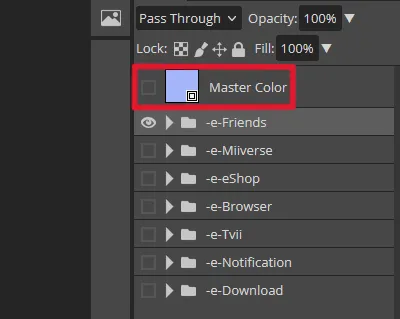
- Double-click the same thumbnail to open the color picker
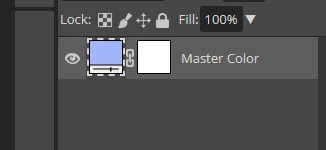
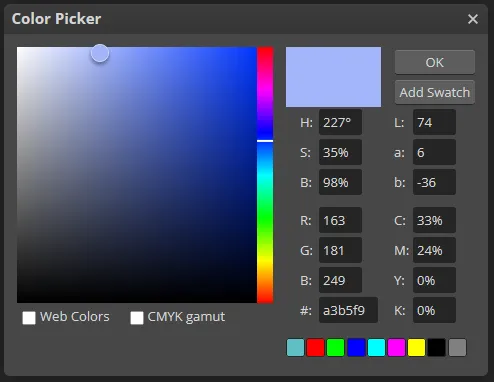
-
Save your changes (
Ctrl + S/File -> Save) -
Return to the icons.psd file
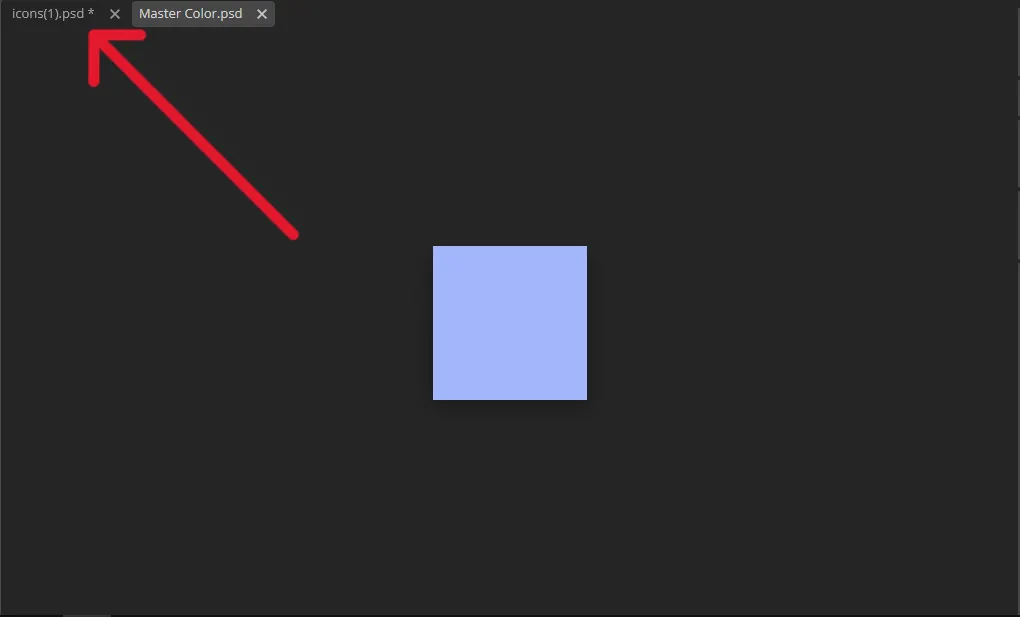
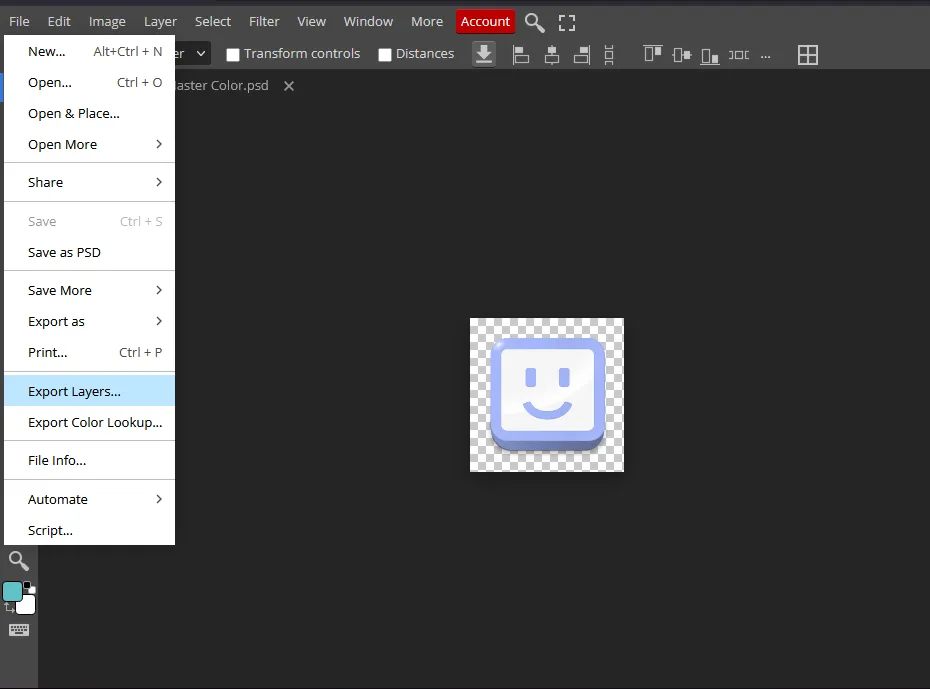
• Navigate to File -> Export Layers...
• Uncheck Trim transparent parts
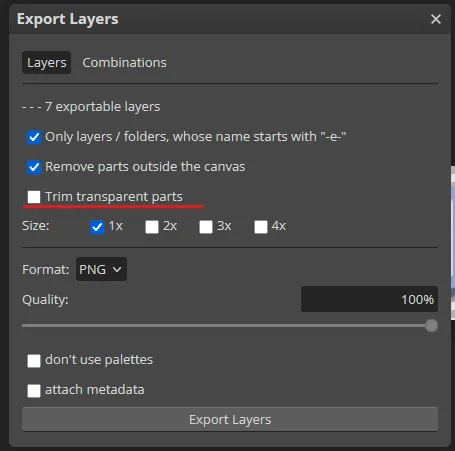
• Press Export Layers
Your edited icons should now downloaded in a zip file, to use these textures replace the originals with your new ones
You can also use these psd files to further modify the icons on your own to use images, gradients and more
